
Android 17 Multitasking — Why Floating Windows Need AI
Android 17 multitasking adds floating bubbles, but they can't see your screen. Arc's overlay AI summarizes, extracts, and writes in any app. Free to try.
arc multitasking android-17
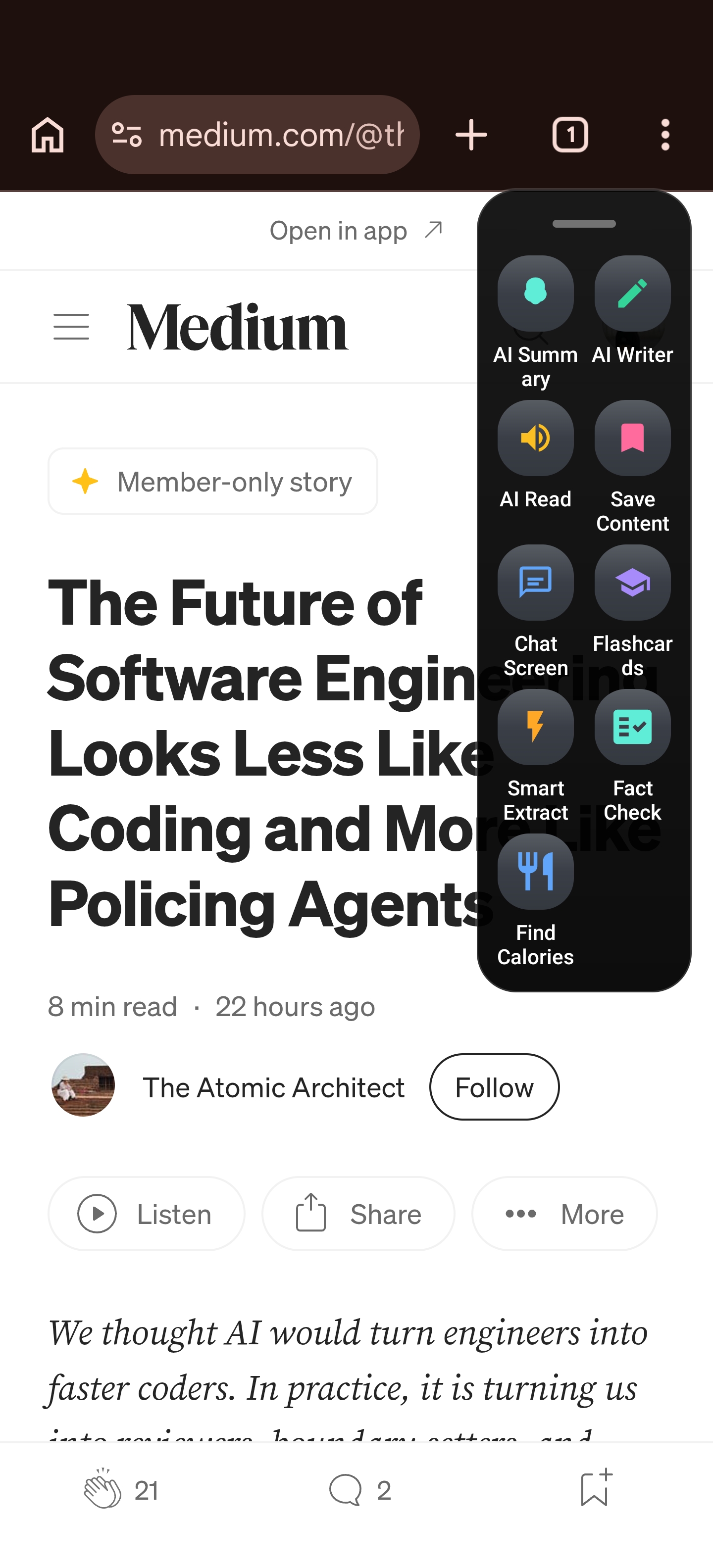
Summarize articles, extract events & OTPs, chat with AI, draft replies, create flashcards, and transcribe calls — all from a floating sidebar on any screen. No app switching required.
Rethink makes Arc AI Screen Assistant — a freemium Android app that uses Google Gemini to summarize, extract, chat, write, and create flashcards from any screen via a floating sidebar, without switching apps. Arc also transcribes phone calls and supports Samsung Edge Panel, OnePlus Shelf, and OPPO Smart Sidebar.
Arc AI Screen Assistant is a free Android app that lives as a floating sidebar on your screen. It uses Google Gemini AI to summarize any screen, extract events and OTP codes, draft replies in any messaging app, create flashcards, and transcribe phone calls — all without switching apps. Download it free from the Google Play Store.
See all Arc AI Screen Assistant features →Tools designed to save you time and help you focus on what matters.
Arc AI Assistant lives on your screen as a floating sidebar. Summarize any screen, extract events and OTPs, chat with AI, draft replies in WhatsApp or Gmail, create flashcards, transcribe calls, and browse 250 community actions — all without switching apps. Powered by Google Gemini.
We believe your phone should work for you, not the other way around.
Arc's floating sidebar works across every app. Swipe to open, tap to act. Summarize, extract, chat, write, and create flashcards without ever switching apps.
Arc uses Google Gemini for fast, accurate AI. Summaries, Smart Extract, AI Chat, and AI Writer all benefit from one of the most capable AI models available.
Create custom AI actions, browse 250 community actions in 10 languages, and set up your Info Vault. Arc adapts to your workflow, not the other way around.
Tips, guides, and updates from the Rethink team.
Android 17 multitasking adds floating bubbles, but they can't see your screen. Arc's overlay AI summarizes, extracts, and writes in any app. Free to try.
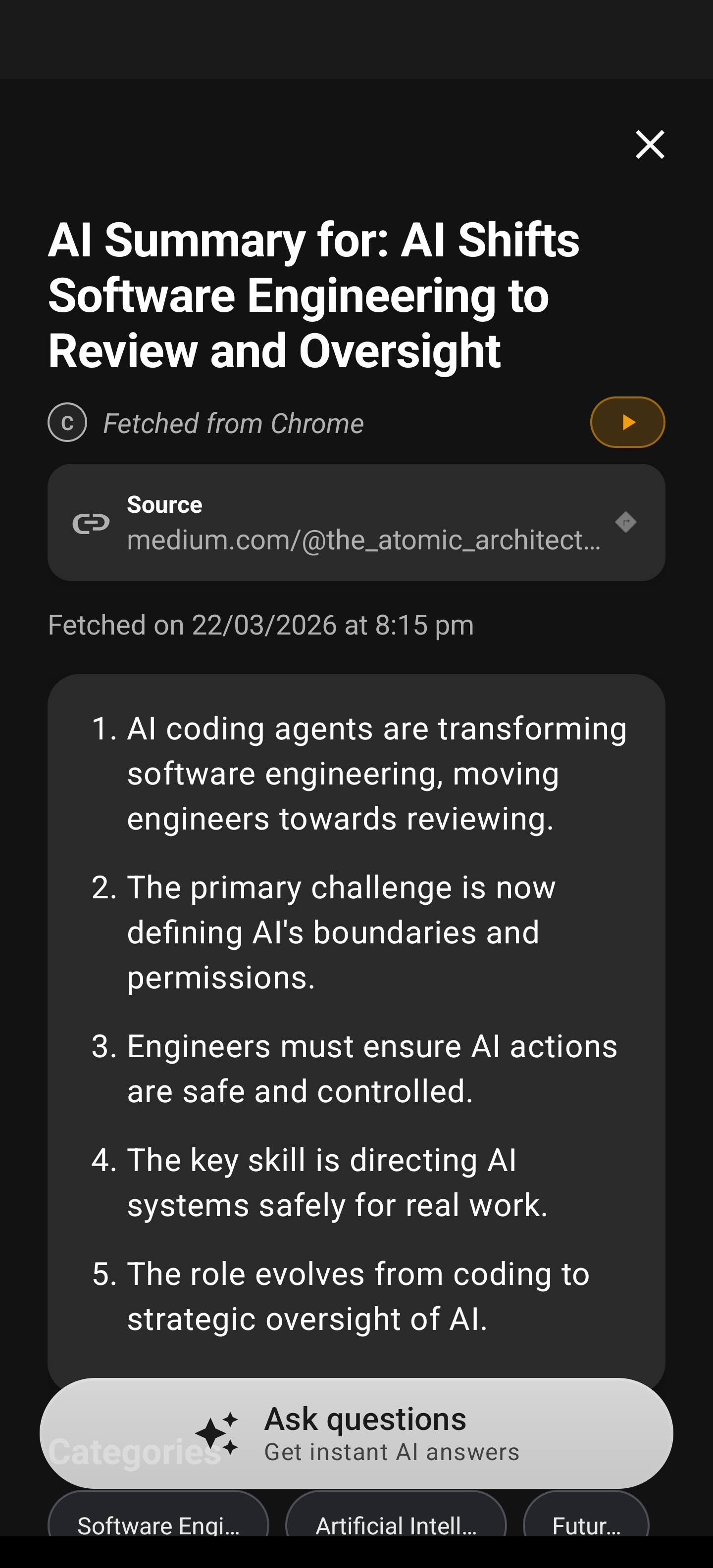
AI read aloud Android: Arc turns any screen into audio — articles, emails, summaries with auto-language detection and background playback. Free to try.
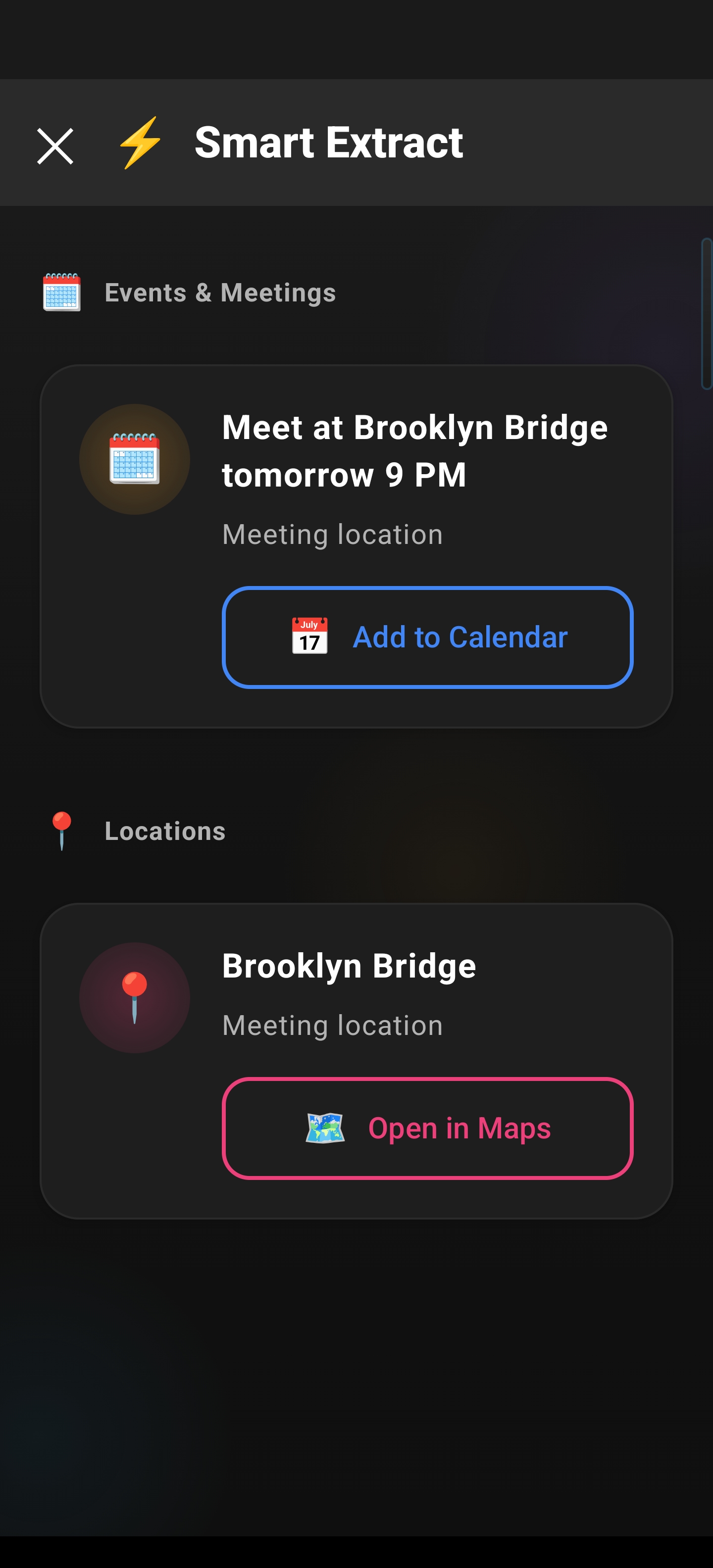
Android's clipboard forgets everything when you copy something new. Here's how a clipboard manager saves your history and extracts data. Free to try.
Try Arc today and discover how AI can make your phone smarter.
Get started with Arc