Master Mobile Writing with AI Writer: Your New Arc Assistant Powerhouse
Discover how AI Writer on Arc turns your Android device into a powerhouse for professional communication with smart context and system-wide integration.
Typing on a smartphone has always felt like a compromise. You are constantly switching between apps, struggling with small keyboards, and trying to maintain a professional tone while on the go. Whether you are drafting a quick email in Gmail or responding to an important message on WhatsApp, the friction of mobile communication often kills your productivity.
Meet AI Writer, the core feature of the Arc AI Screen Assistant. It is not just another keyboard or a copy-paste tool; it is a system-wide writing companion designed to handle your communications with ease, no matter where you are on your Android device.
Four Modes, Infinite Possibilities
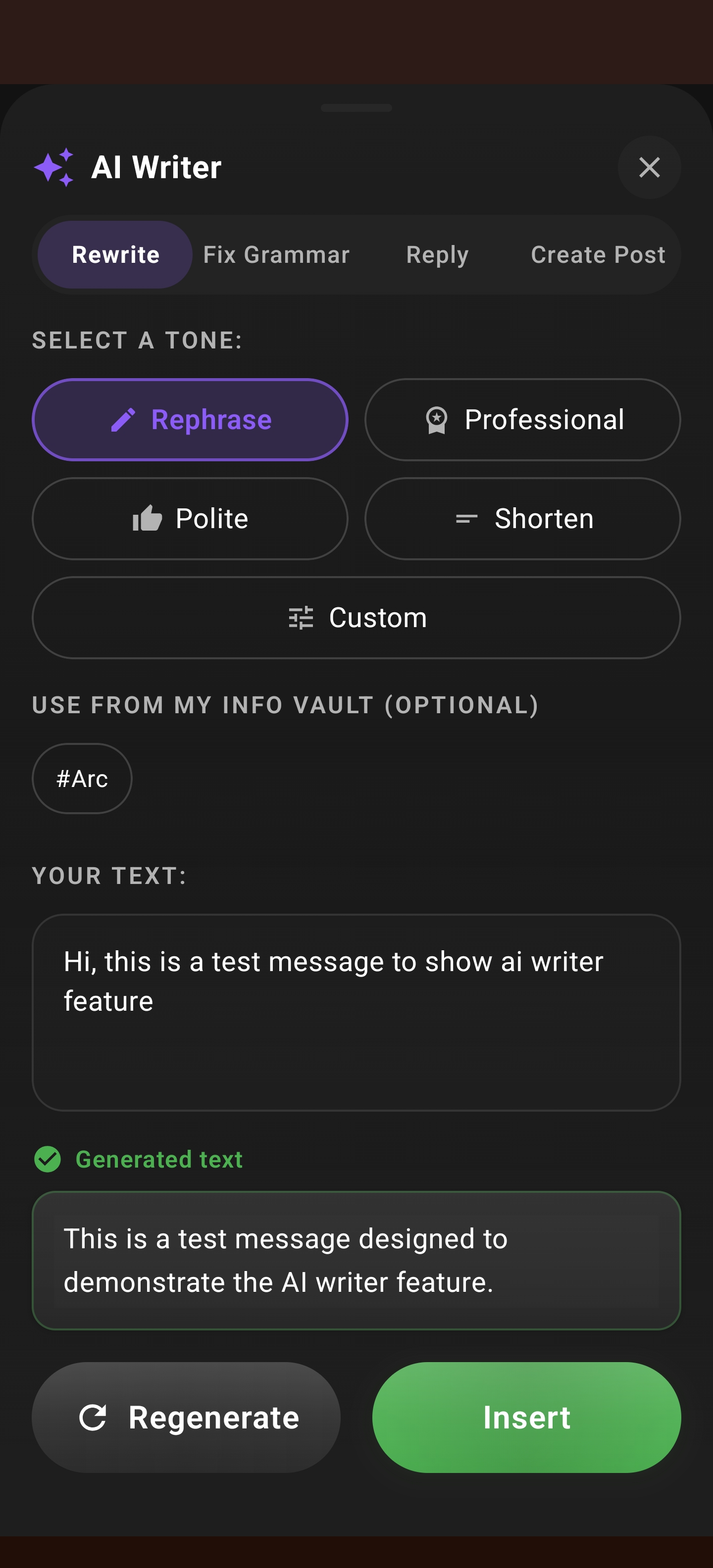
AI Writer simplifies complex tasks by offering four distinct modes, each built for a specific writing scenario:
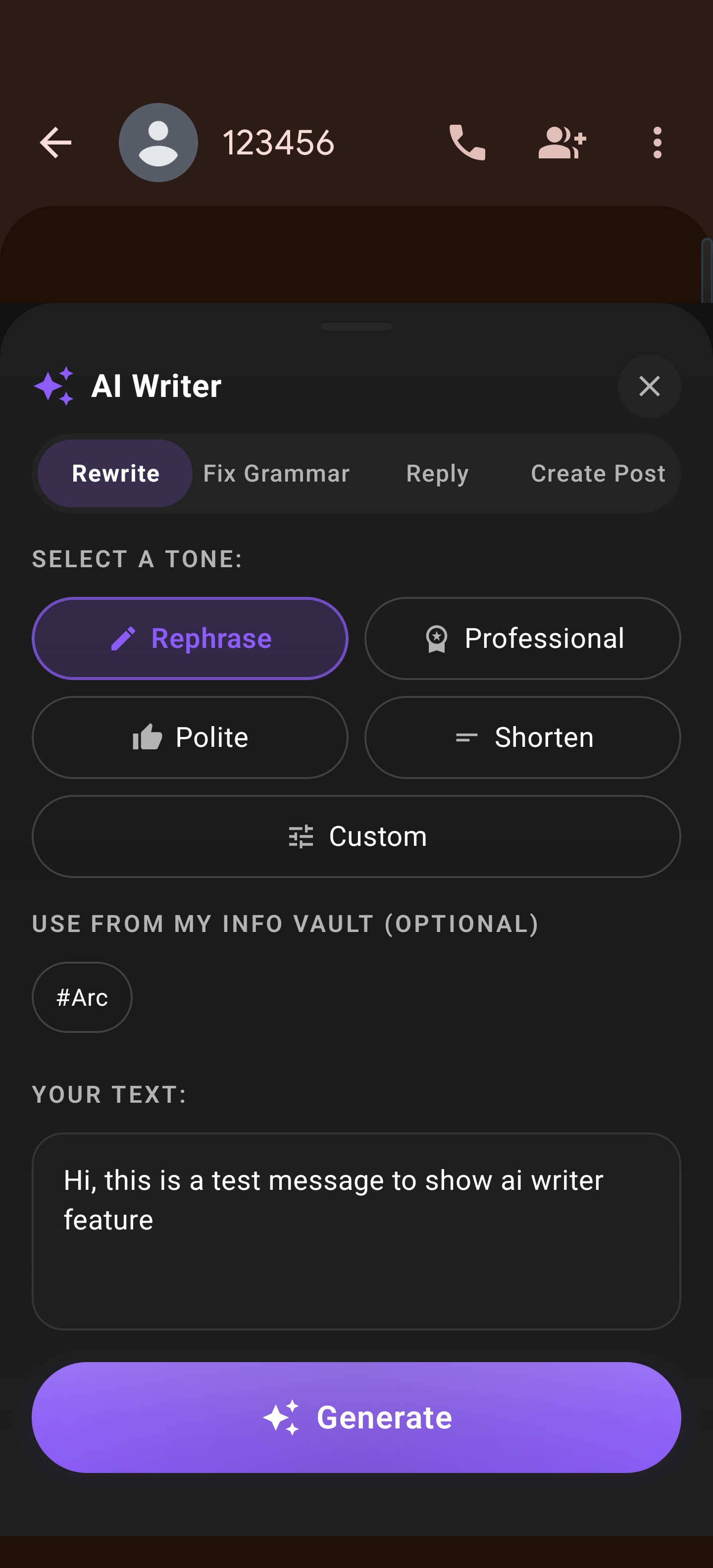
1. Rewrite
Stuck on how to phrase a sensitive email? The Rewrite mode takes your rough drafts and polishes them, adjusting the tone to be more professional, casual, or persuasive.
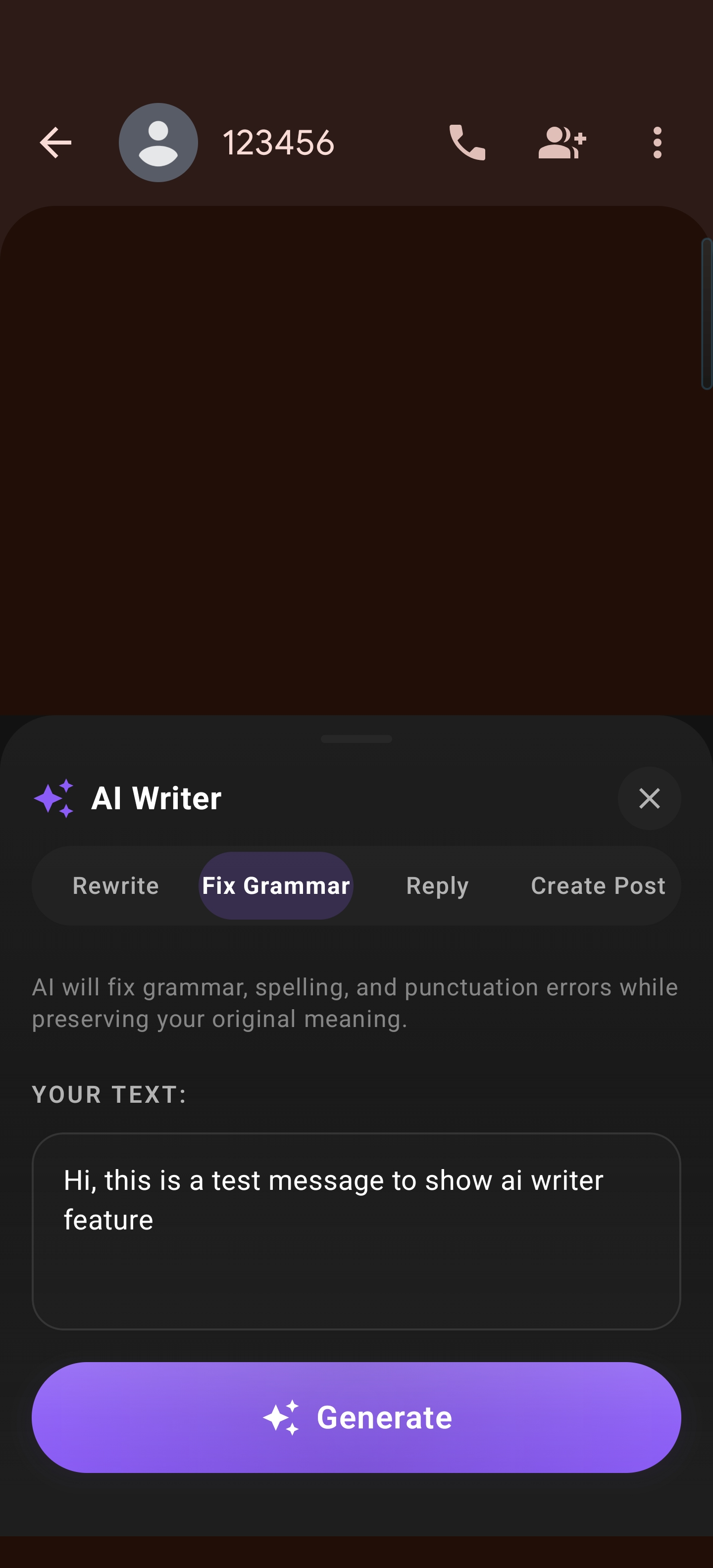
2. Fix Grammar
Say goodbye to embarrassing typos and awkward phrasing. Fix Grammar catches errors that standard spellcheckers often miss, ensuring your communication is always clean and professional.
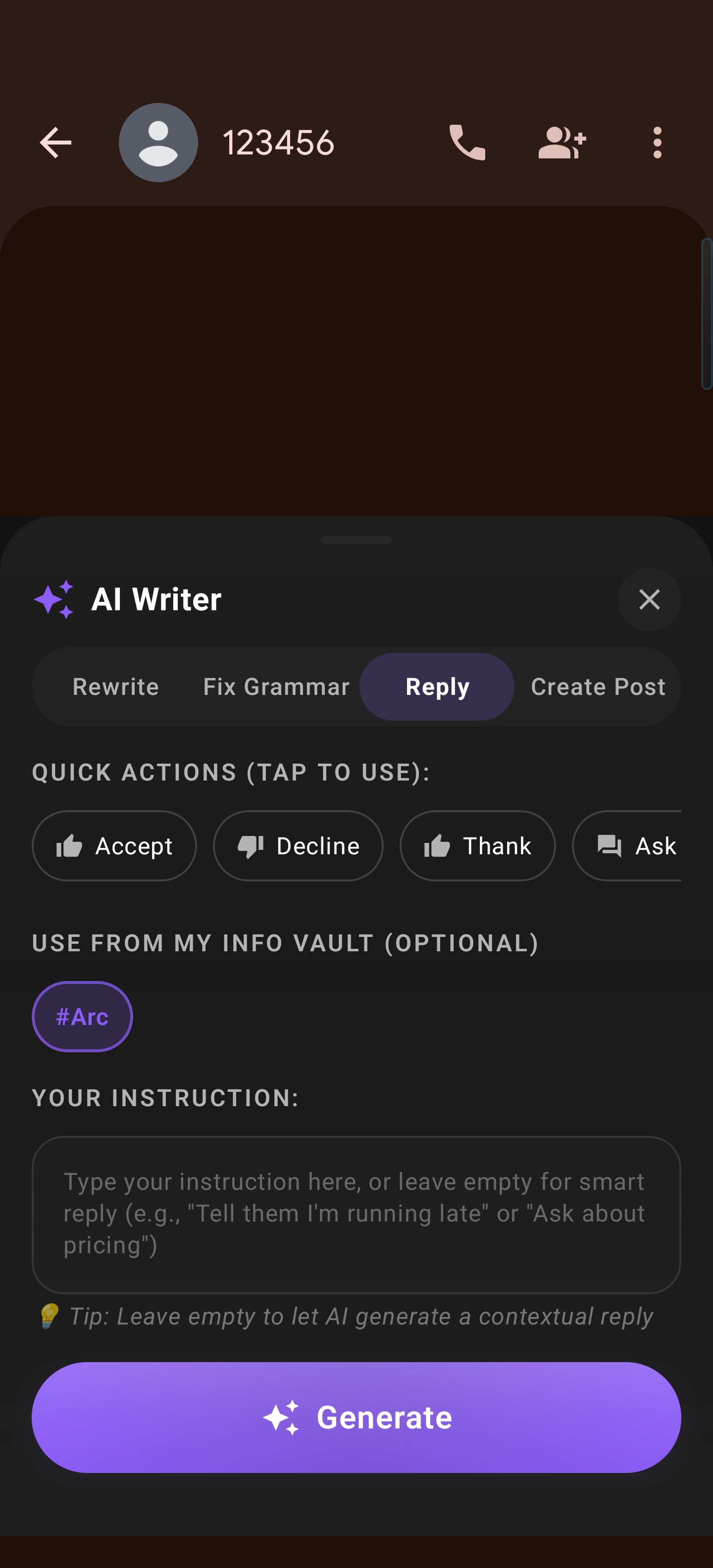
3. Reply with Smart Context
This is where Arc truly shines. When you receive a message, the Reply mode analyzes the conversation context, sender, and intent to suggest a response that sounds like you.
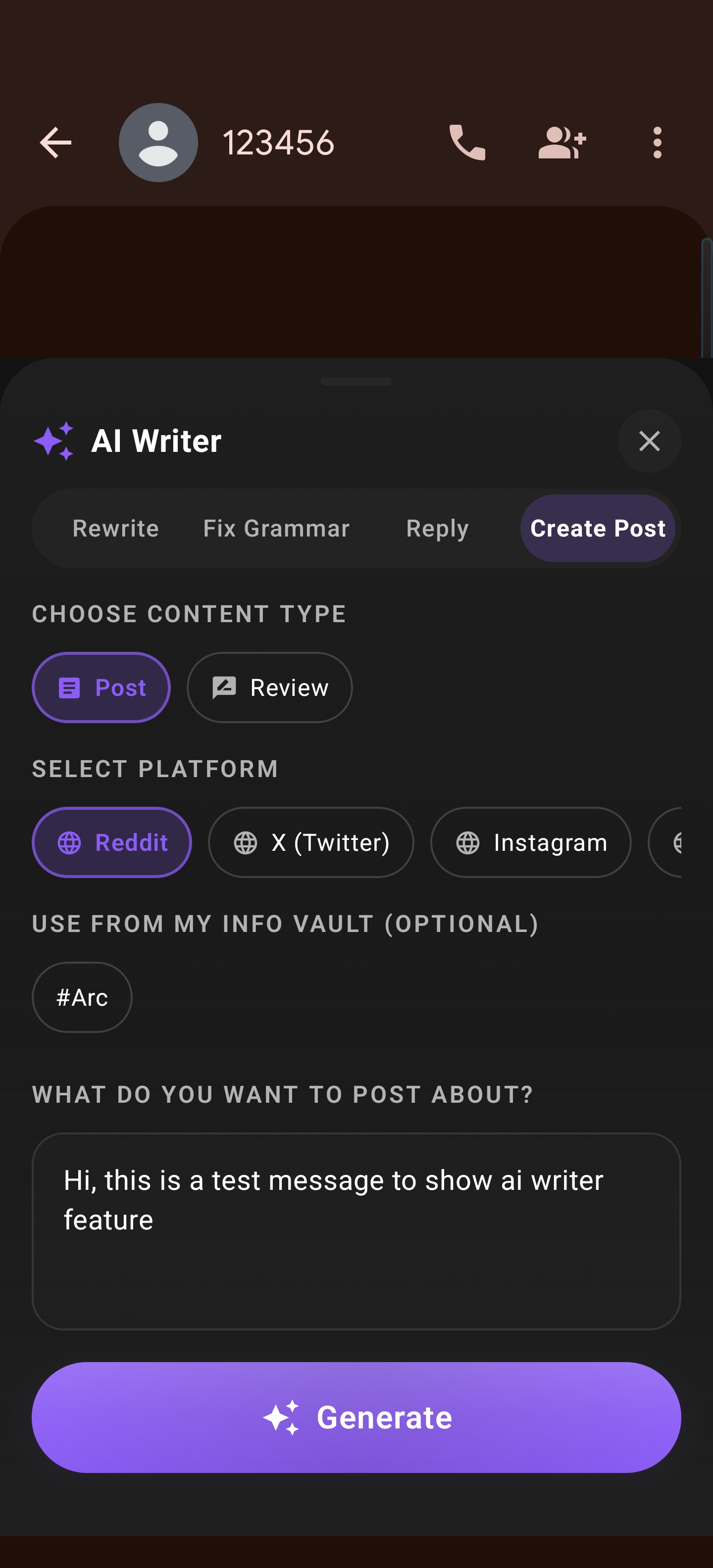
4. Create Post
Need to share an update or a thought? The Create Post mode helps you draft long-form content for social platforms like X or LinkedIn directly from the Arc sidebar.
How to Use AI Writer
Getting started with AI Writer is seamless. Because it is built directly into the Arc AI Screen Assistant, it is available system-wide:
- Trigger the Sidebar: Whenever you need help, simply open the Arc sidebar.
- Select AI Writer: Choose the AI Writer icon.
- Choose Your Mode: Select from Rewrite, Fix Grammar, Reply, or Create Post.
- Auto-Fill & Refine: Arc automatically pulls the relevant context from the app you are currently using. Simply review the suggestion and tap to insert it.
Why AI Writer is Different
What makes Arc the ultimate Android AI assistant? It goes beyond simple text generation:
- Smart Context Extraction: Arc understands who you are talking to and what the conversation is about, allowing for replies that actually make sense.
- My Info Vault Integration: Your personal details, signatures, and professional background are stored securely in your Info Vault, ensuring that the AI knows exactly how to represent you.
- System-Wide Availability: Whether you are in WhatsApp, Gmail, Slack, or X, AI Writer is there. You no longer need to copy-paste between apps to get help from an AI.
Transform Your Mobile Productivity
The era of struggling with mobile typing is over. With Arc: AI Screen Assistant, you have a sophisticated writing partner that works as hard as you do.
Ready to elevate your mobile communication?
Download Arc: AI Screen Assistant from the Play Store today and experience a smarter way to write on the go.